Game Boy Color
on a Tang Nano 20K

The MiSTer Game Boy core running natively on a small Gowin FPGA board, with HDMI output, an Analogue Pocket–style menu and an optional SPI LCD. Every step from source to bitstream uses open-source tools.

GW2AR-18HDMI 480p + audioST7735 LCD yosys · nextpnr · ApiculaGPL-3.0
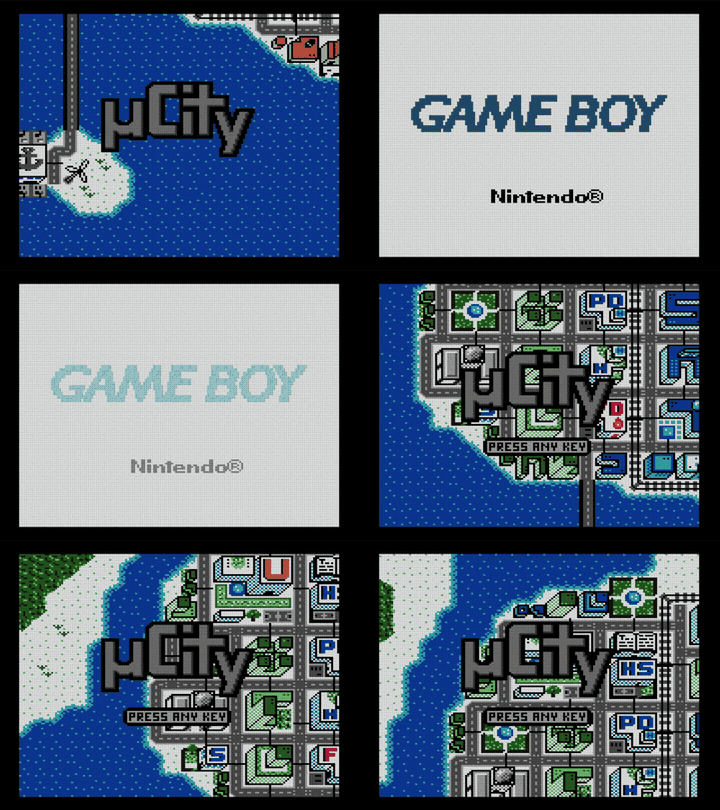
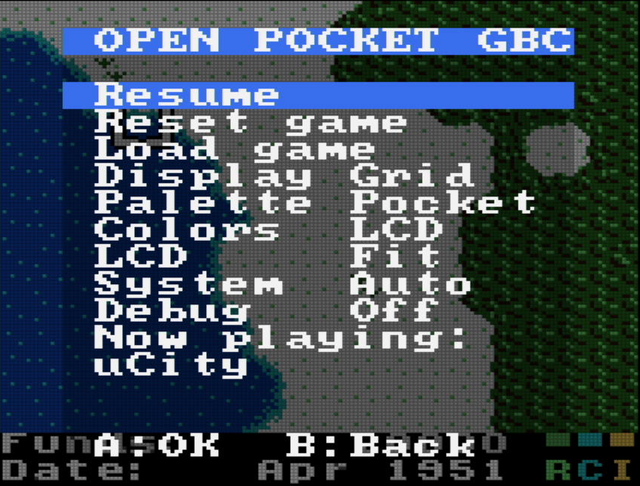
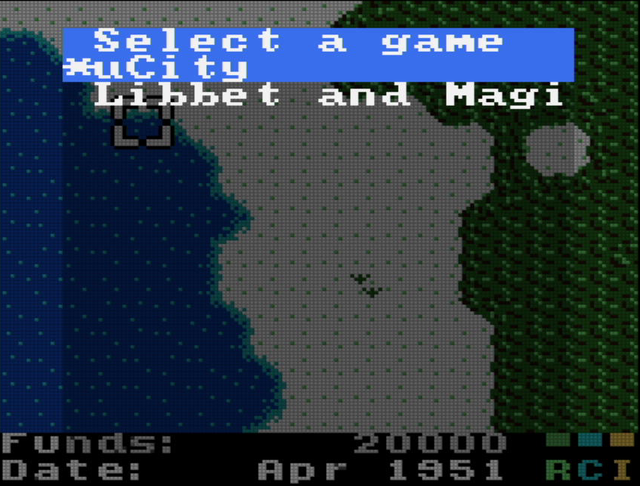
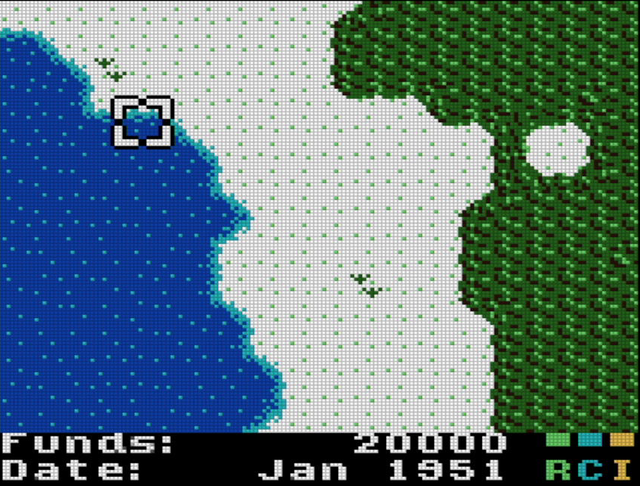
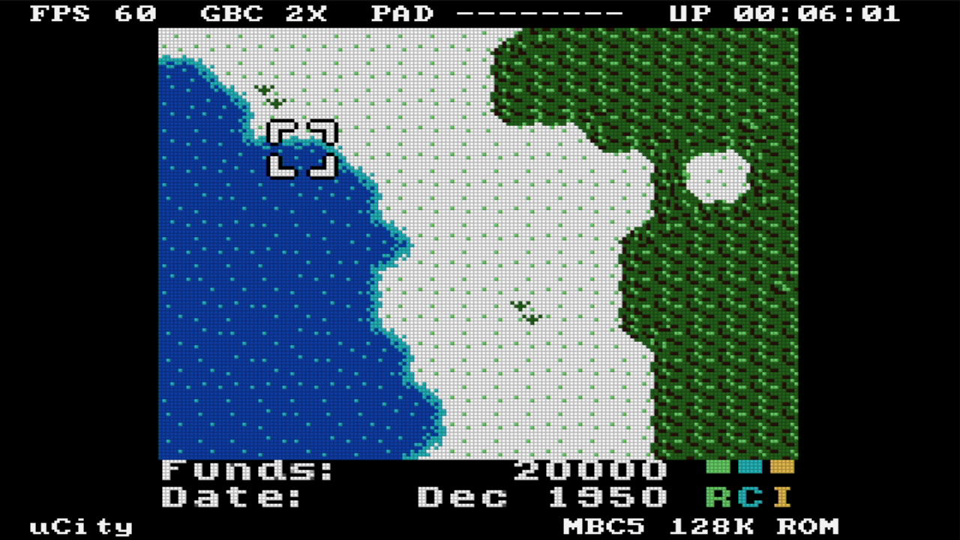
uCity running on the Tang Nano 20K, captured over HDMI
OPEN POCKET

Features

The full GB/GBC system on a 20K-LUT FPGA, with the parts of a handheld you need around it.

🎮

MiSTer Game Boy core

GB and GBC modes, double speed, HDMA, audio. MBC1/2/3/5, HuC1/HuC3 and plain-ROM carts.

📺

HDMI with audio

720×480p at 59.94 Hz, 3× integer scaling, 48 kHz stereo embedded in HDMI. Triple-buffered, so there is no tearing.

🟩

Pocket-style display

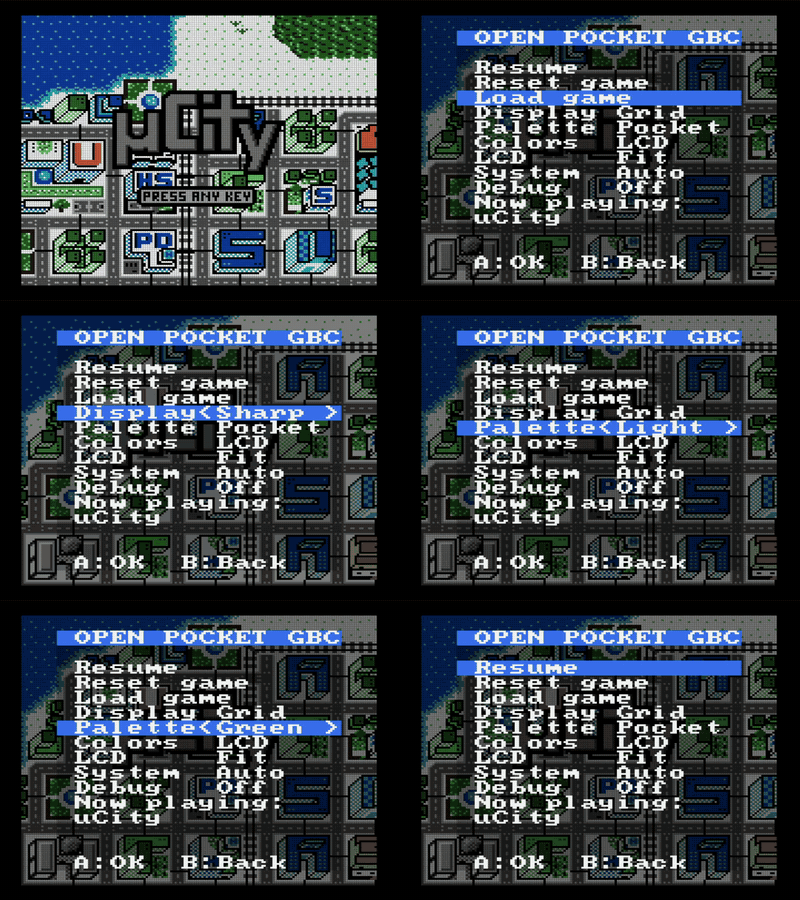
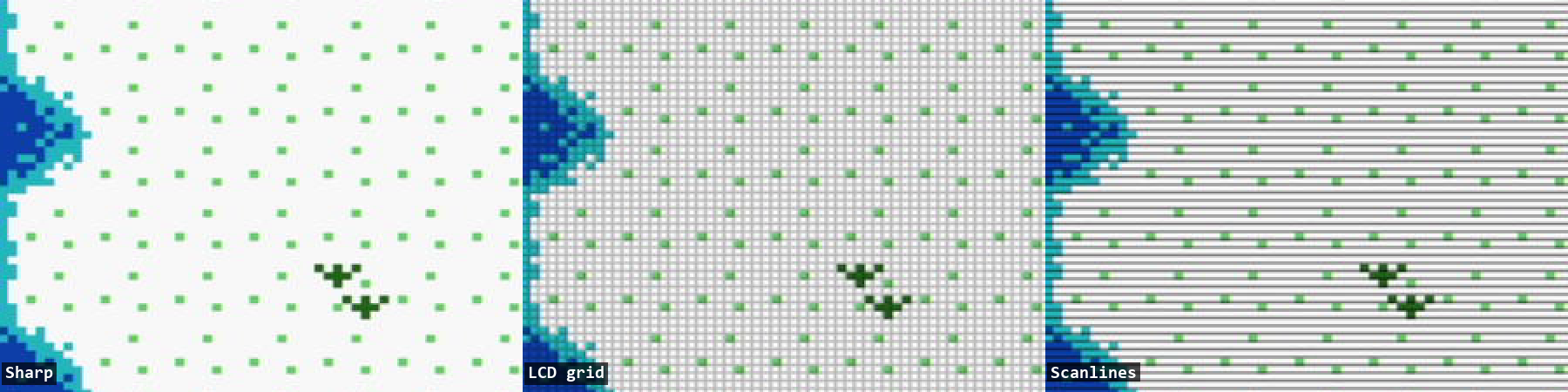
Sharp, LCD grid and scanline modes, five DMG palettes and GBC LCD color correction.

📋

On-screen menu

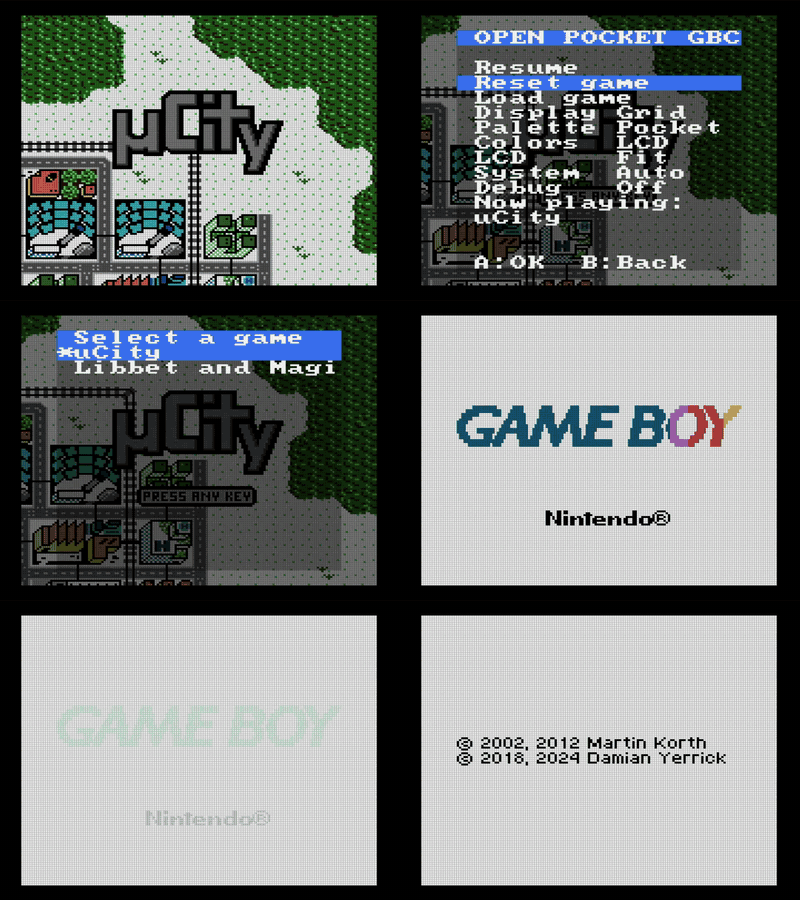
Game picker, display settings, Auto/GBC/DMG system mode. The game pauses and dims behind the menu.

🖥️

1.44" SPI LCD

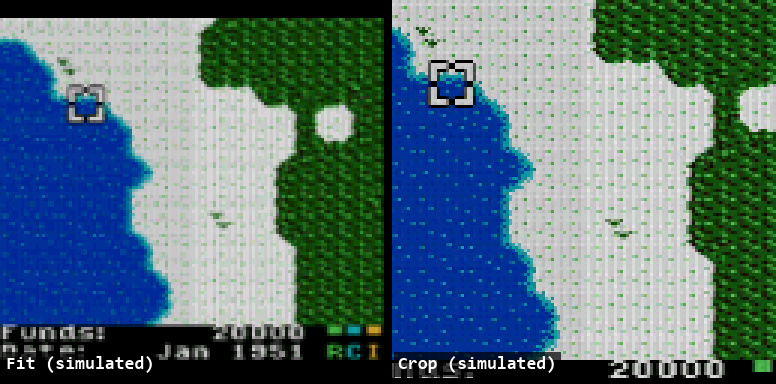
ST7735S 128×128 driven together with HDMI at about 60 fps, in Fit (filtered) or Crop (1:1) mode.

🕹️

Three input paths

DualShock 2, eight plain buttons on header pins, and a remote over the board's USB-UART. All work together.

🐞

Debug overlay

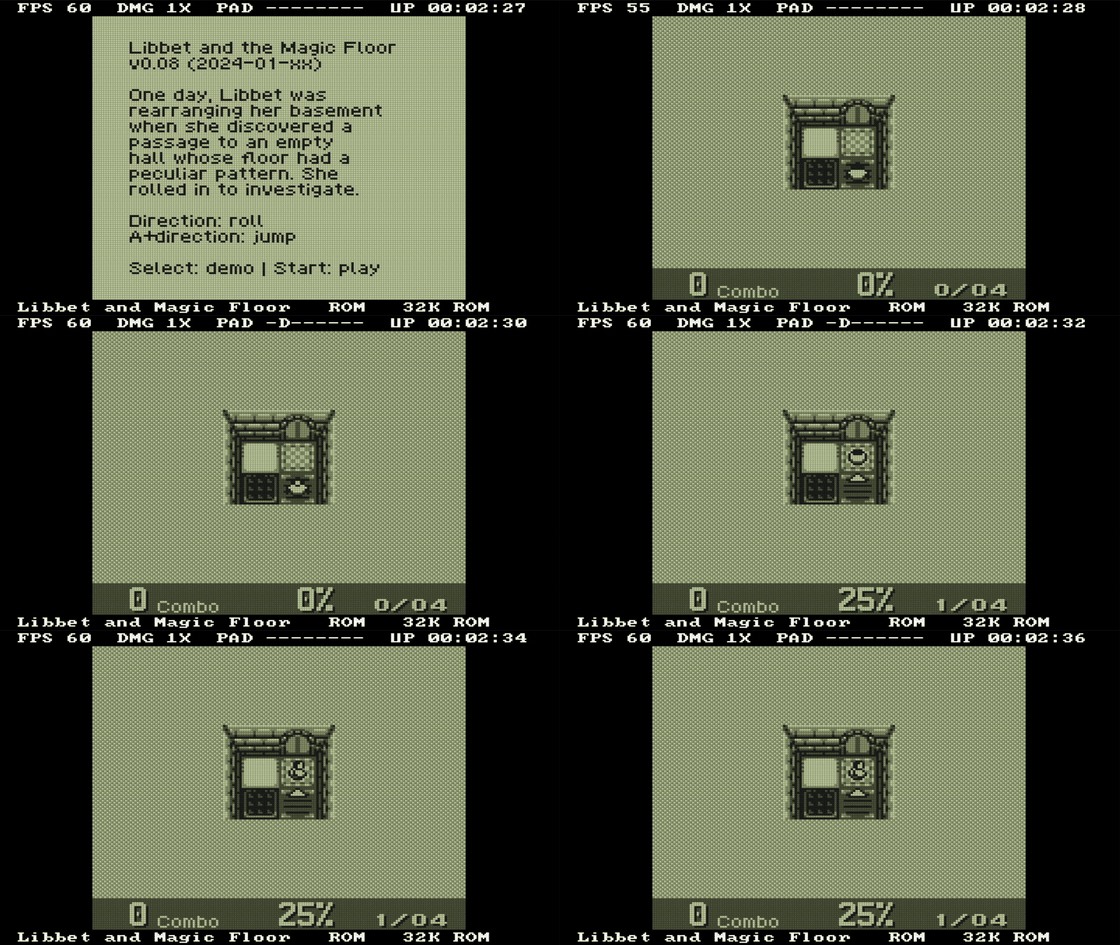
FPS, CPU mode and speed, live pad state, uptime, mapper and ROM size, drawn in the HDMI border.

💾

Games in SPI flash

Up to 15 ROMs in the on-board flash, loaded into SDRAM in about a second.

🔓

No vendor IDE

yosys + slang, GHDL, nextpnr-himbaechel, Apicula, openFPGALoader.
Demo

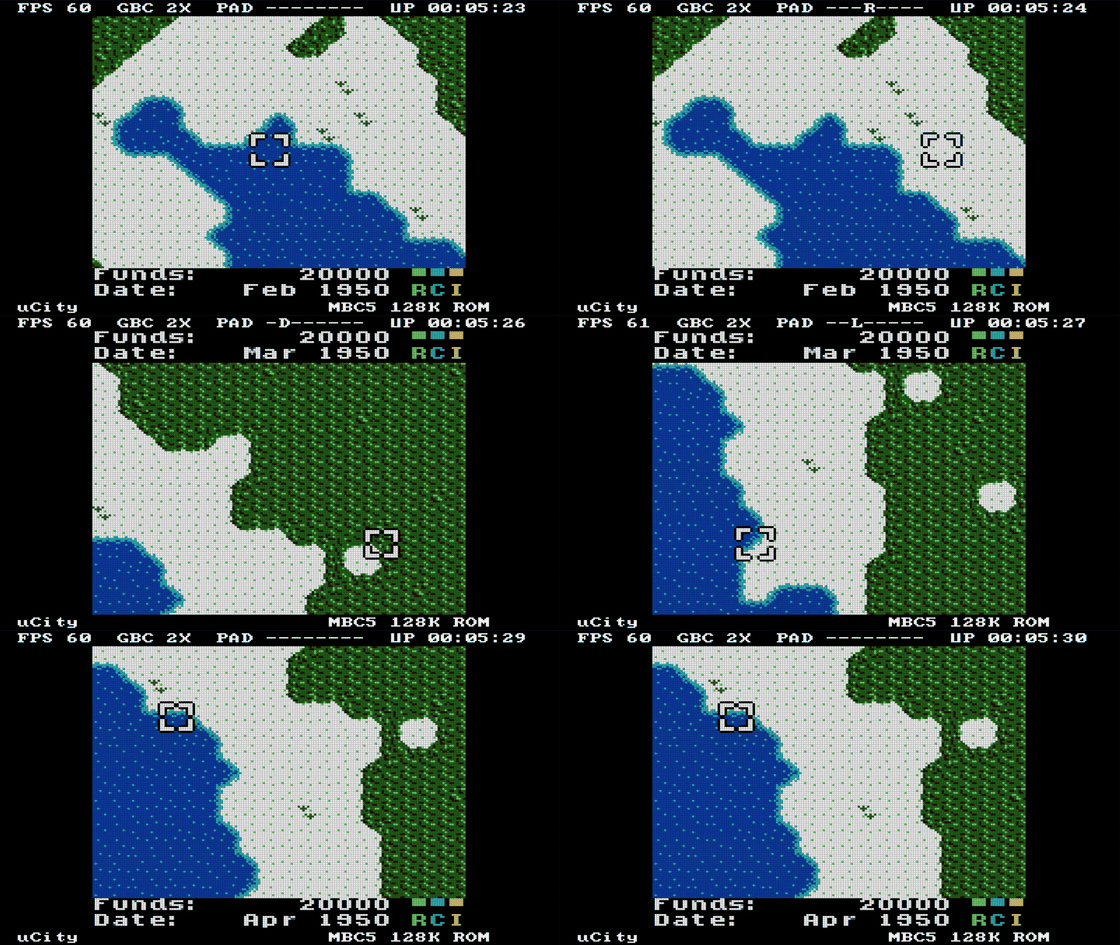
Everything below was captured from the board over HDMI. The button presses came from tools/record.py over USB, not from a person.

Wiring

Everything connects to the header pins. Each button goes from its pin to GND; the FPGA's internal pull-ups are enabled. The LCD runs on 3.3 V.

ButtonPinButtonPin
Up25A29
Down26B30
Left27Select31
Right28Start77
MenuS1Reset gameS2
ST7735 LCDPinOtherPin
SCL / SCK73DualShock 217–20
SDA / MOSI74HDMIon board
RES71USB remoteUSB-C
DC / A072VCC3V3
CS · BL53 · 52GNDGND

In the menu: ↑↓ move the cursor, ←→ change a value, A selects, B goes back. Open the menu with Select+Start or board button S1.

Build

An open-source flow from source to bitstream. The VHDL parts of the core (CPU, APU) are converted with GHDL; everything else goes through yosys-slang.

yosys + slangsynthesis
GHDLVHDL → Verilog
nextpnrhimbaechel, place & route
ApiculaGowin bitstream
openFPGALoaderflashing
# build the bitstream (~8 min)
./build.sh gbc_top

# write it to the SPI flash
./flash.sh flash

# pack games and write them at 0x200000
python tools/make_games.py build/games.bin \
    games/ucity.gbc=uCity games/libbet.gb
./flash.sh games
# play from the PC keyboard over USB
python tools/remote.py

# or script button presses
python tools/remote.py "M . D D A . D A"

# record a GIF from an HDMI capture card
python tools/record.py demo.gif \
    "M . D D D . R . R . A" --secs 10
82%of 20 736 LUT4
45/46BSRAM blocks
56 MHzFmax of the 33.75 MHz system clock
0vendor tools

Documentation

The detailed guides live in the repository.