X-Plane 10, rebuilt in Rust
An independent Rust + wgpu runtime that loads your own X-Plane 10.51 installation and is checked against the original, pixel by pixel. No game content is included.
Source on GitHubProgressScreenshots
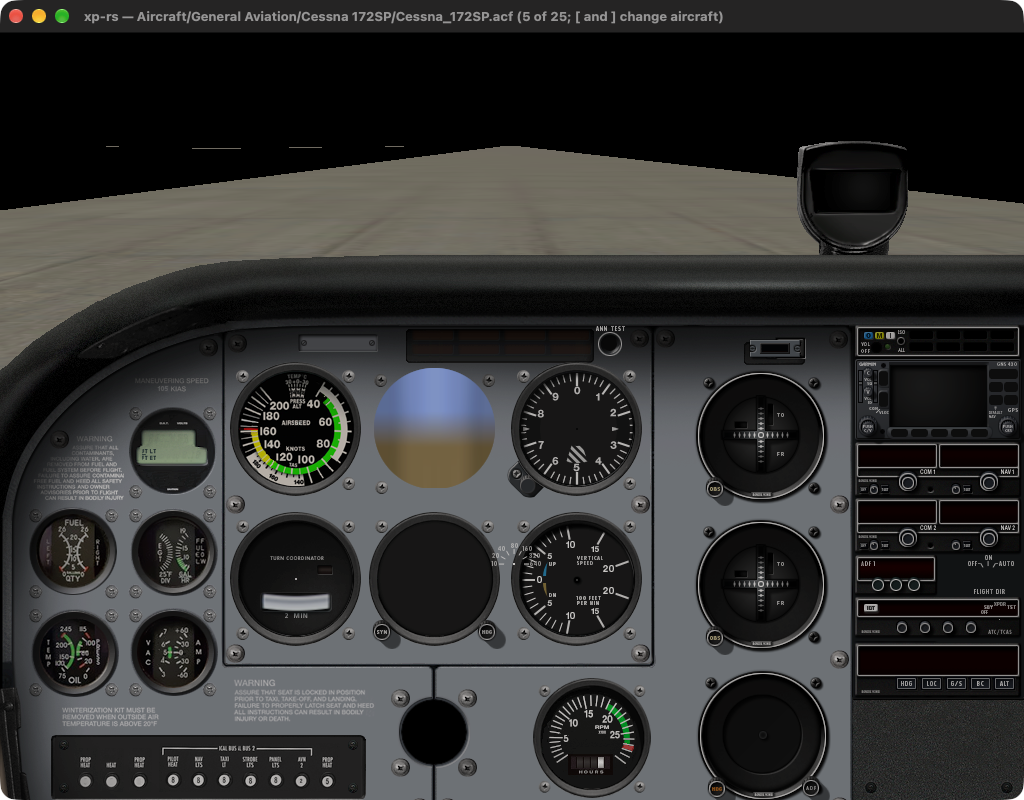
The port's own window today: the default Cessna's 2-D panel on runway 34R at KSEA. Instrument faces are in place; needles, sky and terrain are not.
How much is ported
The two percentages are a self-assessed estimate, not a measurement: each subsystem below is weighted by how much of the simulator it is, and scored by hand. “Verified” counts only what has been compared with the running original's own output.
| Subsystem | Weight | Implemented | Verified | State |
|---|---|---|---|---|
| Flight model | 25 | 2 % | 2 % | Wing strip build-up reproduces the original's own report line for line; no forces, engine, gear or integration yet. |
| 3-D rendering | 20 | 8 % | 2 % | Forward lighting with the original's sun; no sky, shadows, scattering or fog. |
| World & scenery | 12 | 5 % | 3 % | Runway outlines in the original's own coordinate frame; no terrain, taxiways or buildings. |
| Content formats | 10 | 70 % | 15 % | ACF, OBJ8, apt.dat, PNG, DDS read across the whole install; DSF terrain only framed. |
| 2-D cockpit panel | 10 | 20 % | 10 % | All 76 Cessna instrument faces placed from the original's own table; no needles or displays. |
| Systems, datarefs, avionics | 8 | 2 % | 2 % | GPS airport database reproduces the original's count exactly (19 186). |
| Menus & dialogs | 7 | 5 % | 5 % | Menu bar only. No drop-downs, and no start-up aircraft chooser yet. |
| Sound, plugins, network, ATC | 5 | 0 % | 0 % | Not started. |
| Loading screen | 3 | 85 % | 85 % | Picture, text, bands and progress bar match the original. |
What already matches the original
Loading screen
99.0 % of pixels identical, 99.7 % within 8 of 255. The picture area is identical everywhere.
Menu bar
96.3 % of the bar's pixels identical, 98.8 % within 2 of 255.
GPS airport database
19 186 airports added — the number the original logs — from 34 744 in the install.
Wing build-up
All 94 lines the original prints about the Cessna's eight wings' strips — areas, chords, incidences — reproduced verbatim.
Coordinates
The ported lat/lon → scene transform lands runway 34R within a metre of where the original puts it.
Screenshots of the port
Every rendering change is recorded as a frame of the port, taken with the original's own camera, and compared with the original's frame. Newest first.
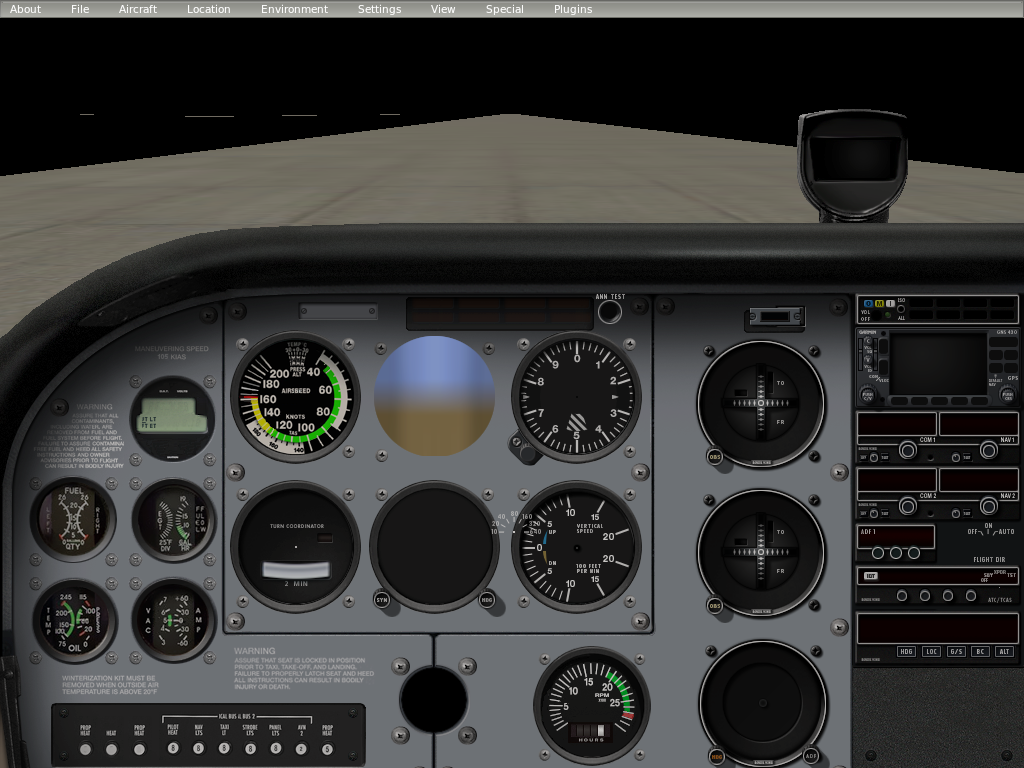
Cockpit and menu bar. 47.6 % of the frame within 16 of 255 of the original; the missing half is sky, terrain, needles and displays.
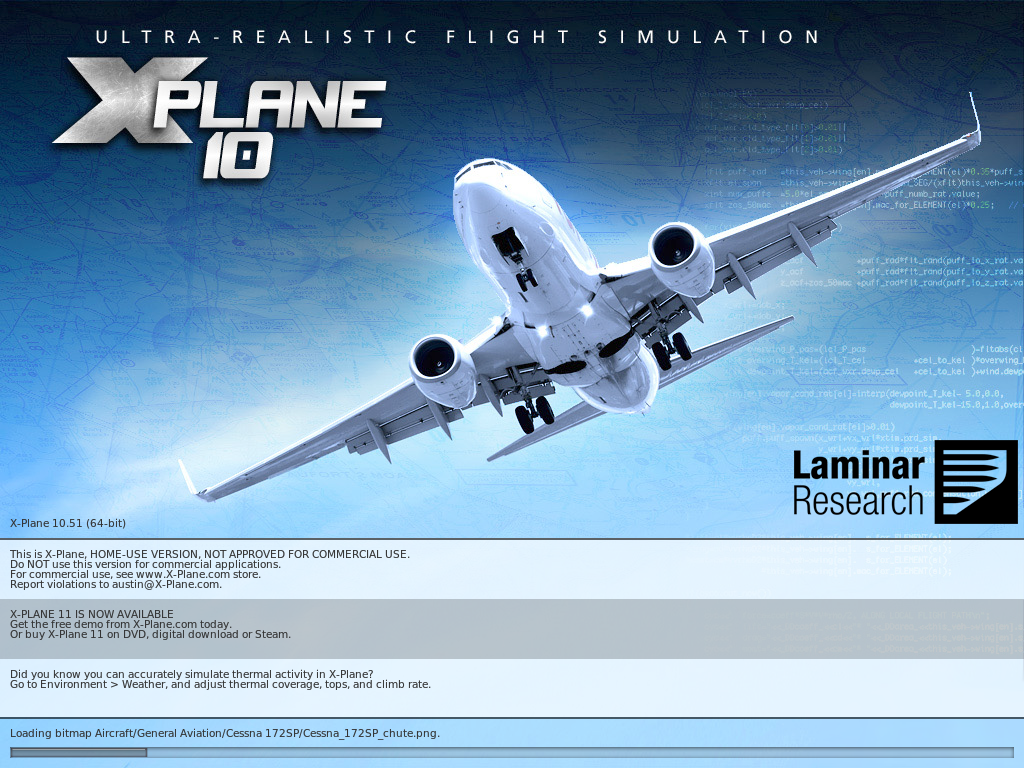
Loading screen. 99.0 % of pixels identical to the original's.
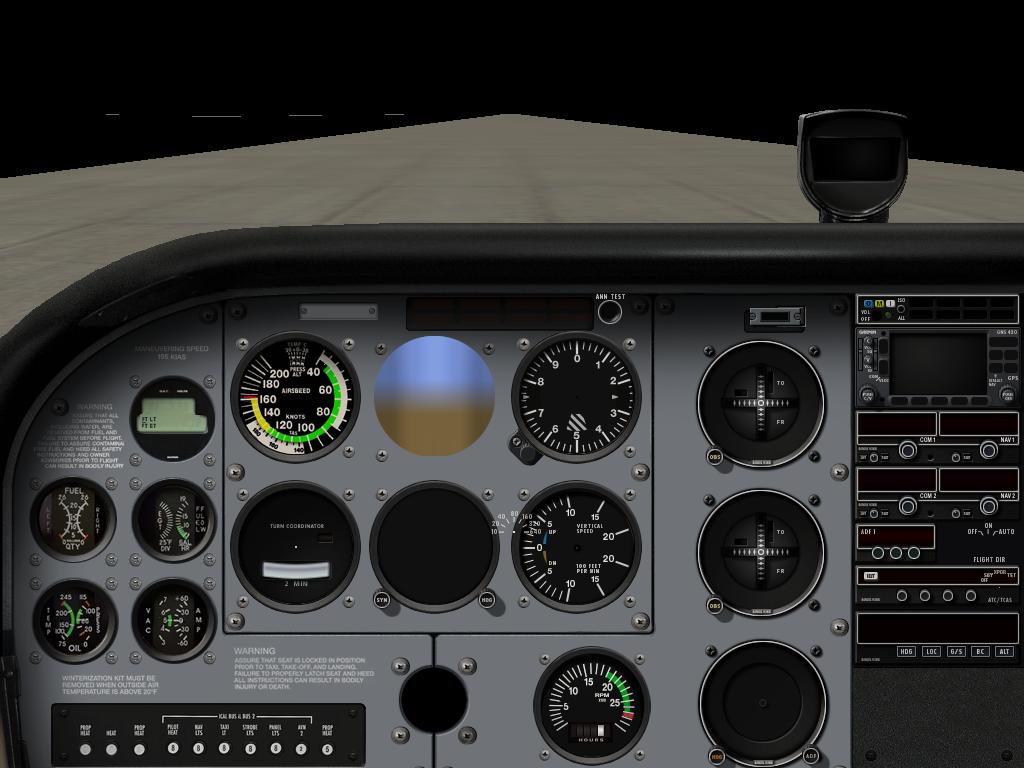
All 76 instrument faces, found through the instrument table read out of the original.
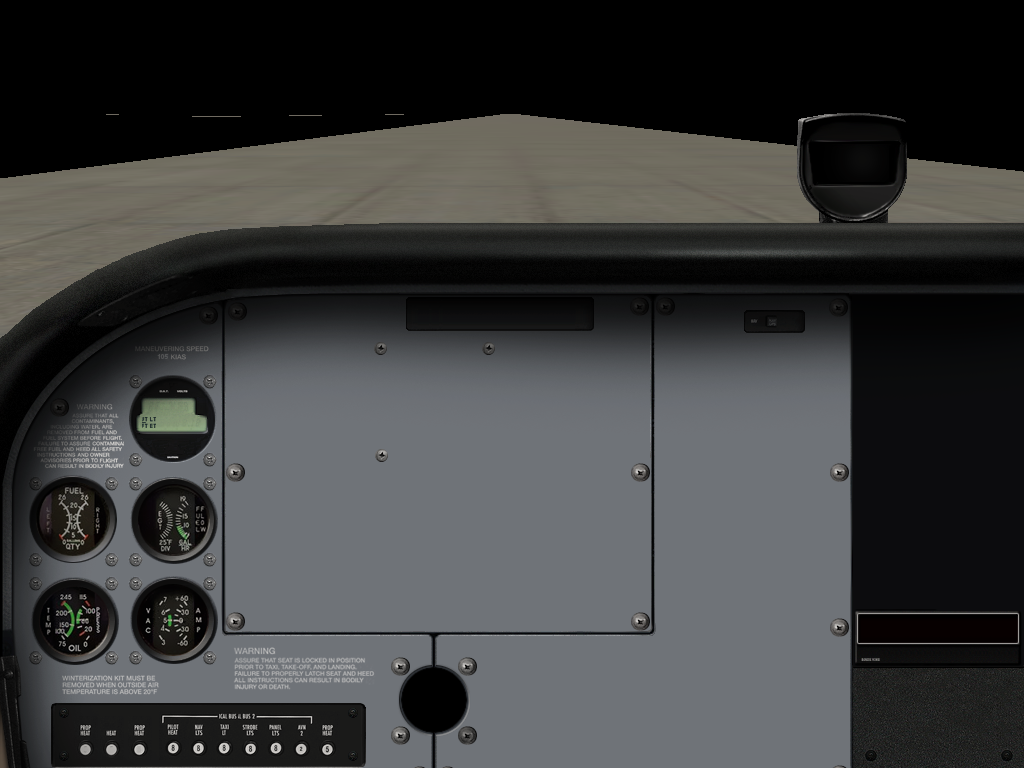
Panel background placed to the pixel, with the original's off-centre cockpit projection.
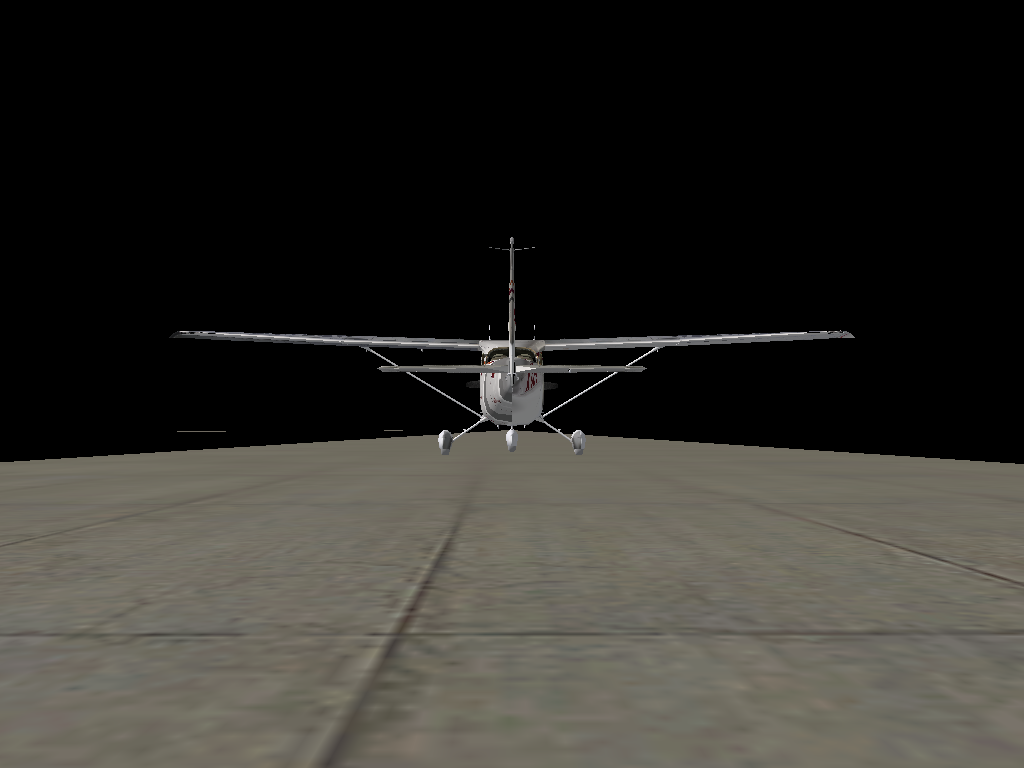
Chase view lit with the sun direction and colours read from the running original.
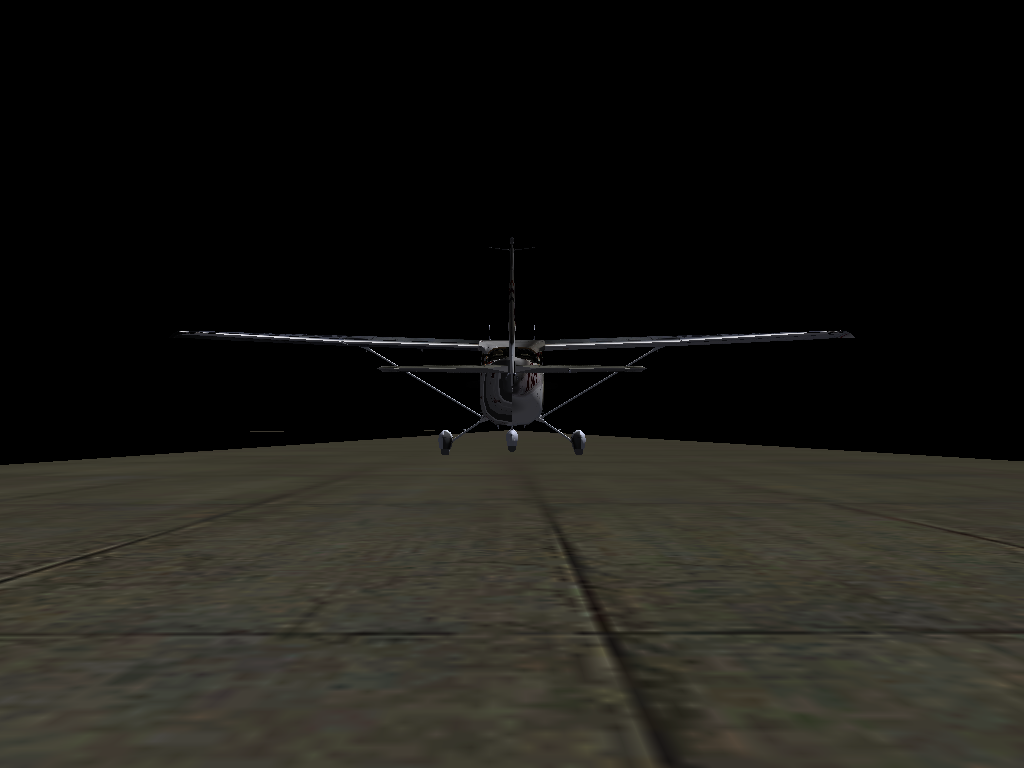
First frame with the original's camera and aircraft pose, before any lighting was ported.
How it is checked
The original is the spec
There is no source for X-Plane. Behaviour is recovered from the shipped files and from the shipped binary, then re-implemented in Rust — never transliterated.
Frames from the original
The original is scripted to take its own screenshots; a small in-process probe reads its camera matrices and light state so the port can be framed identically.
Nothing claimed without a comparison
Fitted numbers are labelled as fitted, placeholders as placeholders. The compatibility ledger lists what is implemented, wired, content-checked and compared.
Run it
You need your own X-Plane 10.51 installation, Rust, and FreeType (brew install freetype pkg-config on macOS). Only macOS has been run so far.
export XP_INSTALL="/path/to/X-Plane 10"
cargo run -p xp                                  # window: loading screen, then the cockpit
cargo run -p xp -- --list-aircraft               # aircraft found in the install
cargo run -p xp -- --aircraft "Aircraft/General Aviation/Baron B58/Baron_58.acf"
In the window, [ and ] step through the installed aircraft. That is a stand-in: the original's aircraft chooser is a dialog, which is not ported yet. Nothing flies — there is no flight model.