Bring your model.
Open PMD or the supported PMX subset with its textures. Try the procedural demo if you just want to look around.
OPEN SOURCE. OPEN STAGE.
Bring the characters you know.
Make room for what comes next.
An independent MMD-compatible animation editor, rebuilt with Rust and wgpu for desktop and the browser.
No installation · Local files · WebGPU required
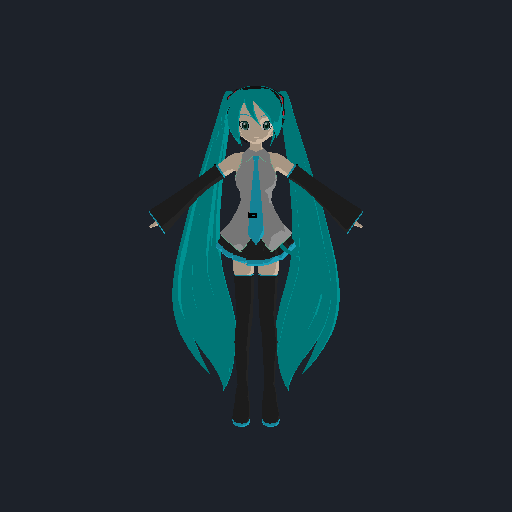
01 / YOUR WORKSPACE
A textured viewport, bone and morph controls, and an animation timeline. Familiar tools, with a foundation built in the open.
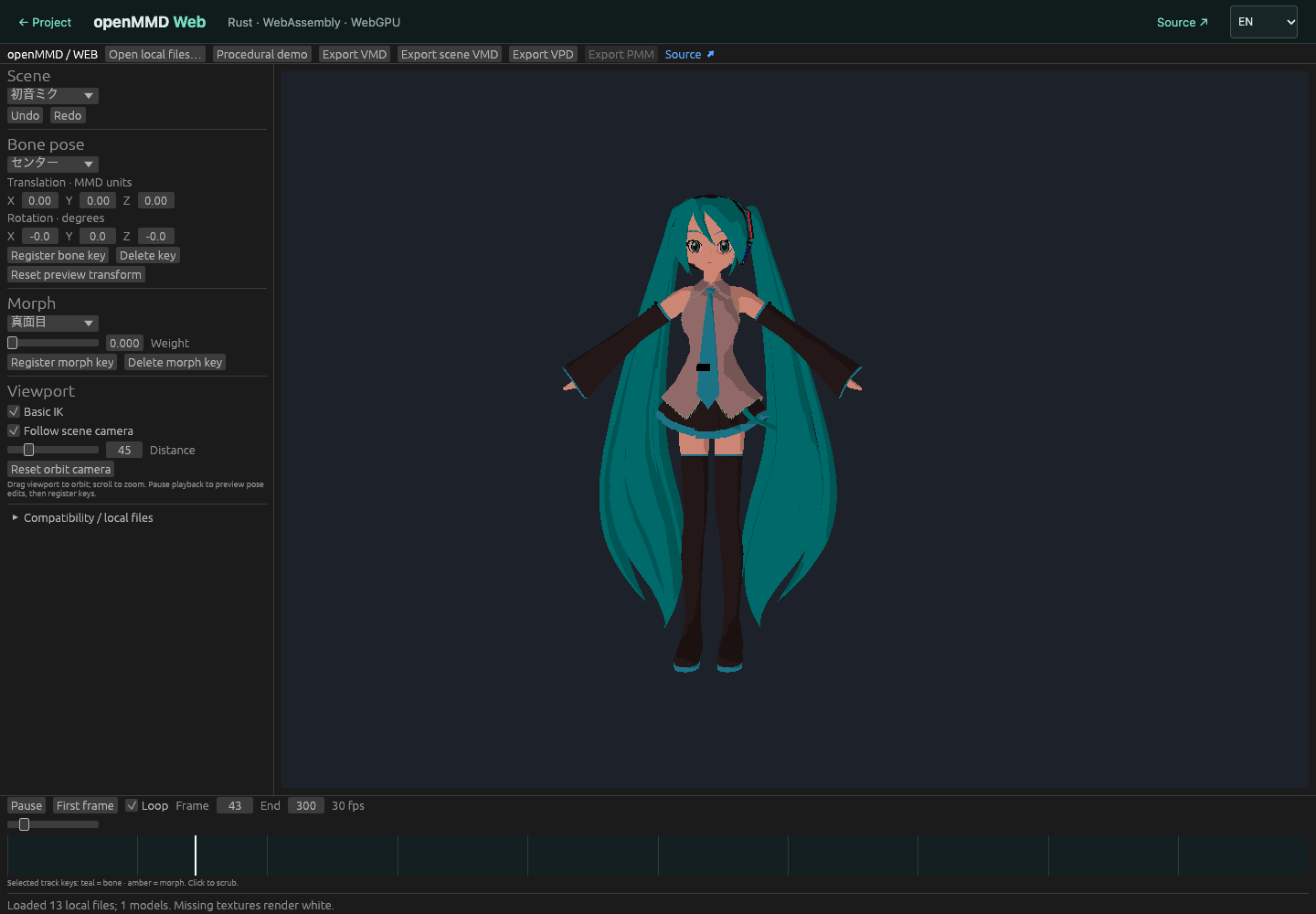
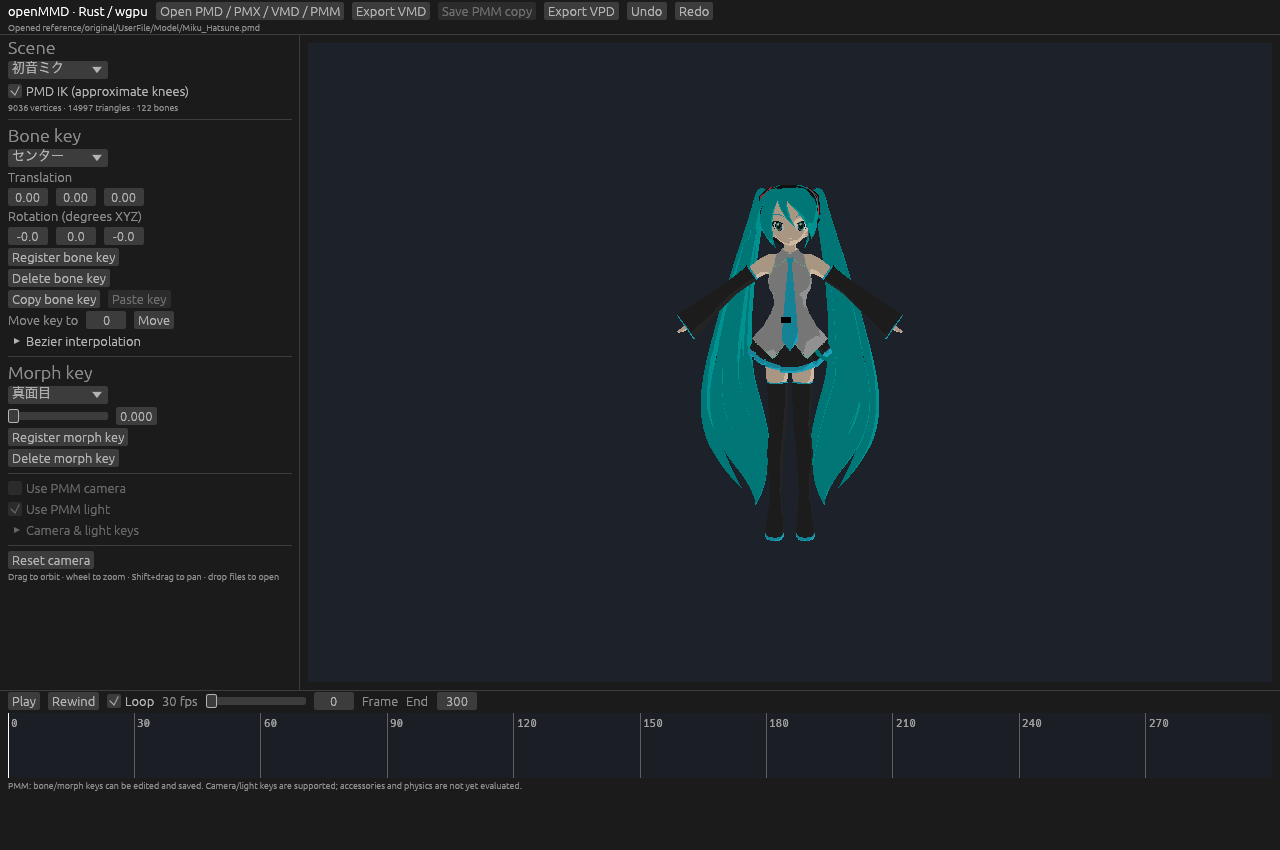
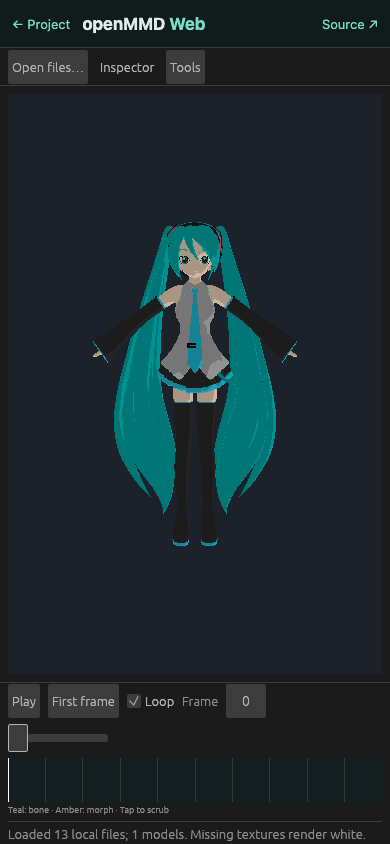
Open PMD or the supported PMX subset with its textures. Try the procedural demo if you just want to look around.
Move bones, adjust facial morphs, and bring in a VPD pose. Undo and redo as you work.
Play VMD motion, edit bone and morph keys, and follow animated camera and light tracks.
02 / MORE THAN A MODEL
Import camera and light VMDs, even before loading a model. Follow the shot, play visibility and IK switches, and export scene motion separately.
PMM v1/v2 projects support a growing set of editing features, including desktop camera and light keys. Compatibility remains partial.
Explore PMM support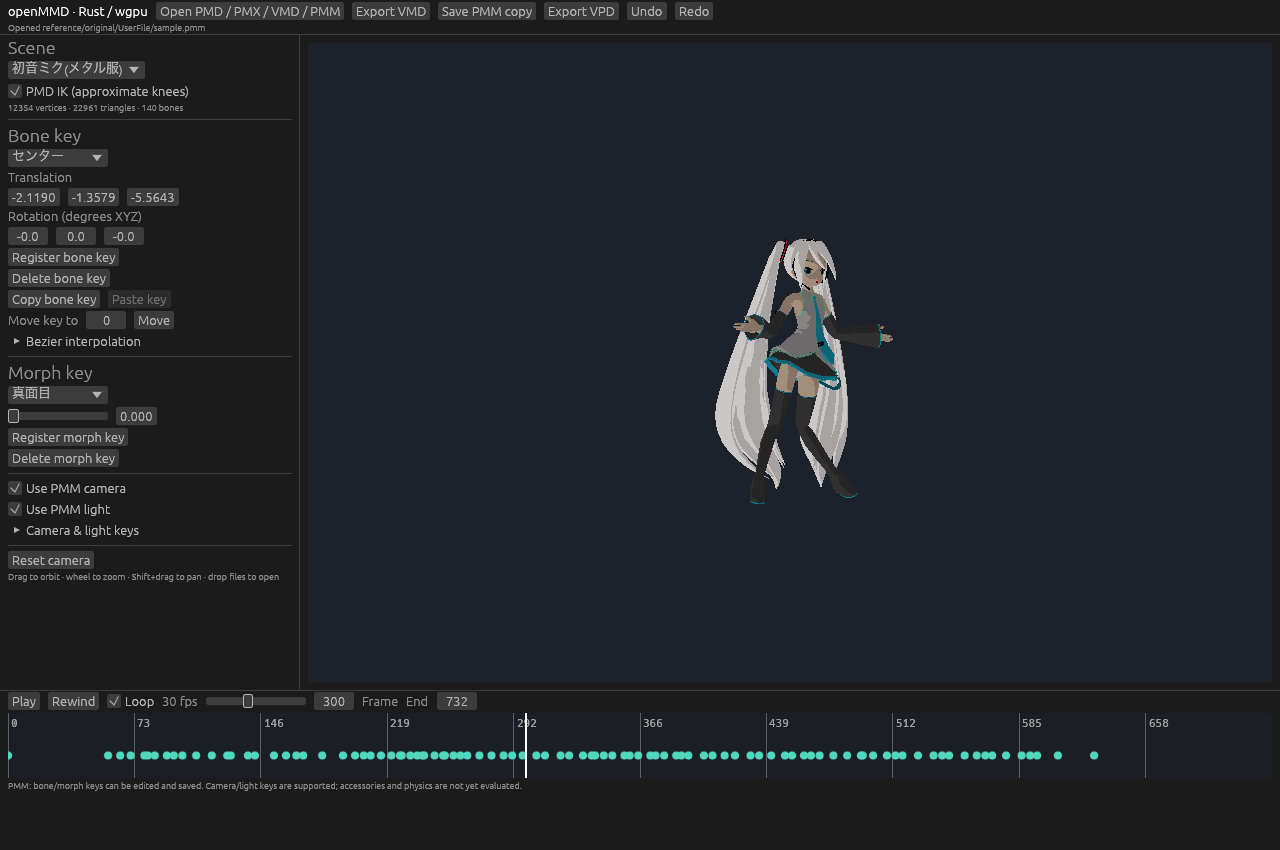
03 / PROJECT STATUS
This is an early editor. Full MMD shading, physics, accessories and complete PMM behavior are still in development.
| Format / system | Working today | Still ahead |
|---|---|---|
| PMDModel | Implemented subset Mesh, diffuse textures, bones, vertex morphs and basic IK. | Rigid-body physics, complete materials and exact MMD IK behavior. |
| PMX 2.0 / 2.1Model | Partial Mesh, four bone influences, skeleton, vertex morphs and diffuse materials. | SDEF/QDEF use linear skinning. Advanced morphs and bone behavior are not evaluated; soft bodies are rejected. Details ↗ |
| VMD / VPDMotion / pose | Motion + scene tracks Bone/morph motion, camera/light playback, visibility and IK switches. VPD import/export. | Self-shadow keys are preserved but not rendered. Camera transforms and IK are approximate. Details ↗ |
| PMM v1 / v2Project | Partial editing Bone/morph tracks, camera/light playback and key editing. | Accessories, physics, shadows and full editor settings. Camera equivalence with MMD is unverified. Keep original projects. |
| WebGPU / WASMBrowser | Working browser build Local files, shared rendering and animation, key editing and exports. | A WebGPU-capable browser is required. Advanced curves and PMM camera/light key editing remain desktop-only. Mobile GPU support depends on the browser and device. |
| macOS / Windows / LinuxDesktop | CI on all three Builds and ordinary tests run on all three platforms. | Desktop GPU playback is currently verified on macOS. Windows and Linux runtime testing remains ahead. |
Have a reproducible mismatch? Help improve compatibility ↗
04 / CHOOSE YOUR STAGE
Try the browser editor with local files, or build the native application with the Rust toolchain.
Open web editorNo original models are hosted. Use your own assets or the procedural demo.
git clone https://github.com/LakoMoor/openMMD.git
cd openMMD
cargo run --releaseSource builds require Rust. Preview packages are unsigned.